Infinite Marquee
Our Marquee is very simple in HTML, we just need a container and all the elements we want to form the marquee.
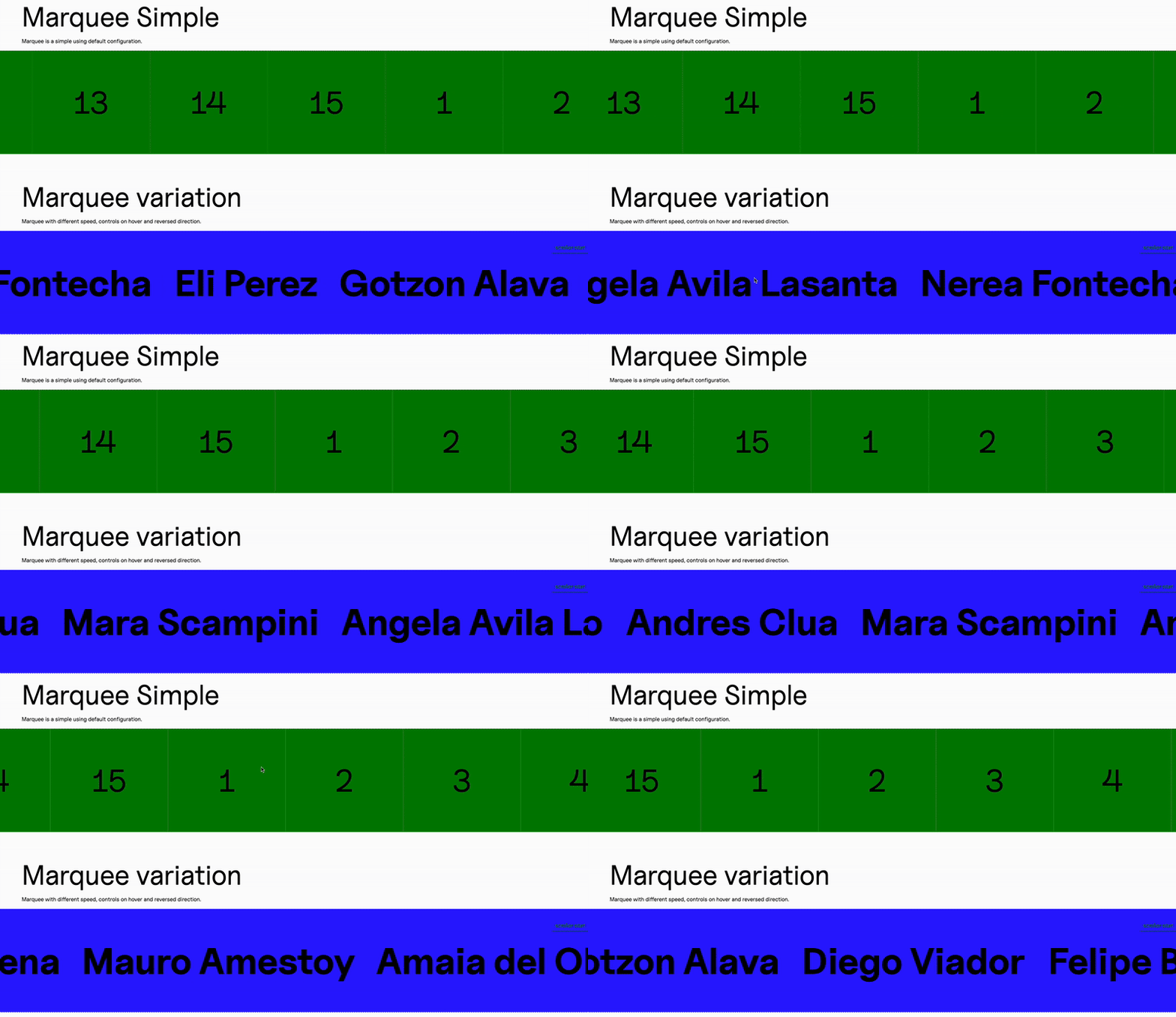
This is a very simple example with just numbers:
<ul class="c--marquee-a js--marquee"> {Array.from({ length: 15 }).map((_, index) => ( <div class="c--marquee-a__item">{index + 1}</div> ))}</ul>So we have an unordered list and inside just an array of numbers displayed as divs.
We do not have any attributes in our element, so our marquee will adopt our default settings from our handler.
Instead, we can have something like this, where we use attributes to define the behavior of the marquee:
<ul class="c--marquee-b js--marquee" data-speed="12" data-reversed="true" data-controls-on-hover="true"> {team.map((member) => ( <div class="c--marquee-b__item"> <h3 class="c--marquee-b__item__title">{member}</h3> </div> ))}</ul>As you can see, here we are defining the speed and the direction of the marquee, as well as setting up our hover controls (so it pauses when we go over it with our mouse).
The marquee is a simple library that does not usually need different configurations, since we can make do with attributes and default values to control it, so we only need one configuration:
this.config = ({ element }) => ({ Manager: this.Manager, element: element, speed: element.getAttribute("data-speed") || 1, controlsOnHover: element.getAttribute("data-controls-on-hover") || "false", reversed: element.getAttribute("data-reversed") || "false",});And we can control everything via HTML attributes as we saw in our second HTML example.
We instance it just like we would do any other library:
    get updateTheDOM() {        return {            marqueeElements: document.querySelectorAll(`.js--marquee`),        };    }    events() {        this.emitter.on("MitterContentReplaced", async () => {            this.DOM = this.updateTheDOM;
            super.assignInstances({                elementGroups: [                    {                        elements: this.DOM.marqueeElements,                        config: this.config,                        boostify: { distance: 100 },                    },                ],            });        });    }
Custom class
Section titled “Custom class”Here we also use a custom class to control our marquee. Our external library comes from @andresclua/infinite-marquee-gsap and we can import either a horizontal or a vertical loop.
We are using the horizontal loop here, so we would have a constructor to capture the payload and set the main attributes of the marquee, coming either from the HTML attributes or from our default values:
constructor(payload){      var { element, speed, controlsOnHover, reversed, Manager } = payload;
      this.DOM = { element };      this.gsap = Manager.getLibrary("GSAP").gsap;
      this.speed = speed;      this.controlsOnHover = u_stringToBoolean(controlsOnHover);
      // Define reversed attribute and initial direction      this.reversed = u_stringToBoolean(reversed);      this.initialDirection = this.reversed ? -1 : 1;
      this.paused = false;      this.init();      this.events();    }
Our init method uses the external library to create the loop and add it to our gsap timeline:
    init(){      this.loop = horizontalLoop(this.DOM.element.children, {        paused: false,        repeat: -1,        reversed: this.reversed,        speed: this.speed,      });
      this.gsap.set(this.loop, { timeScale: this.initialDirection });    }
And we have an events method to add custom play and pause behavior on mouseover:
events(){      if (this.controlsOnHover && this.DOM.element?.parentElement){        this.mouseEnterHandler = () => this.pause();        this.mouseLeaveHandler = () => this.play();
        const parent = this.DOM.element;        parent.addEventListener("mouseenter", this.mouseEnterHandler);        parent.addEventListener("mouseleave", this.mouseLeaveHandler);      }    }
    pause(){      this.paused = true;      this.gsap.to(this.loop, { timeScale: 0, overwrite: true });    }
    play(){      if (this.paused) {        // Always go back to the initial direction        this.gsap.to(this.loop, { timeScale: this.initialDirection, overwrite: true });        this.paused = false;      }    }
And of course a destroy method where we clean up all our event listeners, our DOM, our loop, and null out everything in our class:
    destroy(){      // Remove event listeners      if (this.controlsOnHover && this.DOM.element?.parentElement) {        const parent = this.DOM.element;        parent.removeEventListener("mouseenter", this.mouseEnterHandler);        parent.removeEventListener("mouseleave", this.mouseLeaveHandler);
        // Clear handler references        this.mouseEnterHandler = null;        this.mouseLeaveHandler = null;      }
      // Kill loop      if (this.loop) {        this.loop.kill();        this.loop = null;      }
      // Clear all properties      this.gsap = null;      this.speed = null;      this.controlsOnHover = null;      this.reversed = null;      this.initialDirection = null;      this.paused = null;      this.DOM = null;    }
Knowledge Check
Test your understanding of this section
Loading questions...