Cookiebot
Cookiebot is one of the cookie consent management platforms used at Terra to ensure privacy compliance and proper handling of user consent.
It is typically used in projects that require automatic cookie scanning, strong GDPR compliance, and multi-language support.
What is Cookiebot?
Section titled “What is Cookiebot?”Cookiebot is a consent management platform (CMP) that helps websites comply with privacy regulations such as GDPR and ePrivacy.
It automatically:
- scans the website for cookies and categorizes them
- blocks non-necessary cookies until user consent is given
- provides a configurable consent banner
- keeps a record of user consent history
- allows multi-language and region-specific configurations
Cookiebot admin interface overview
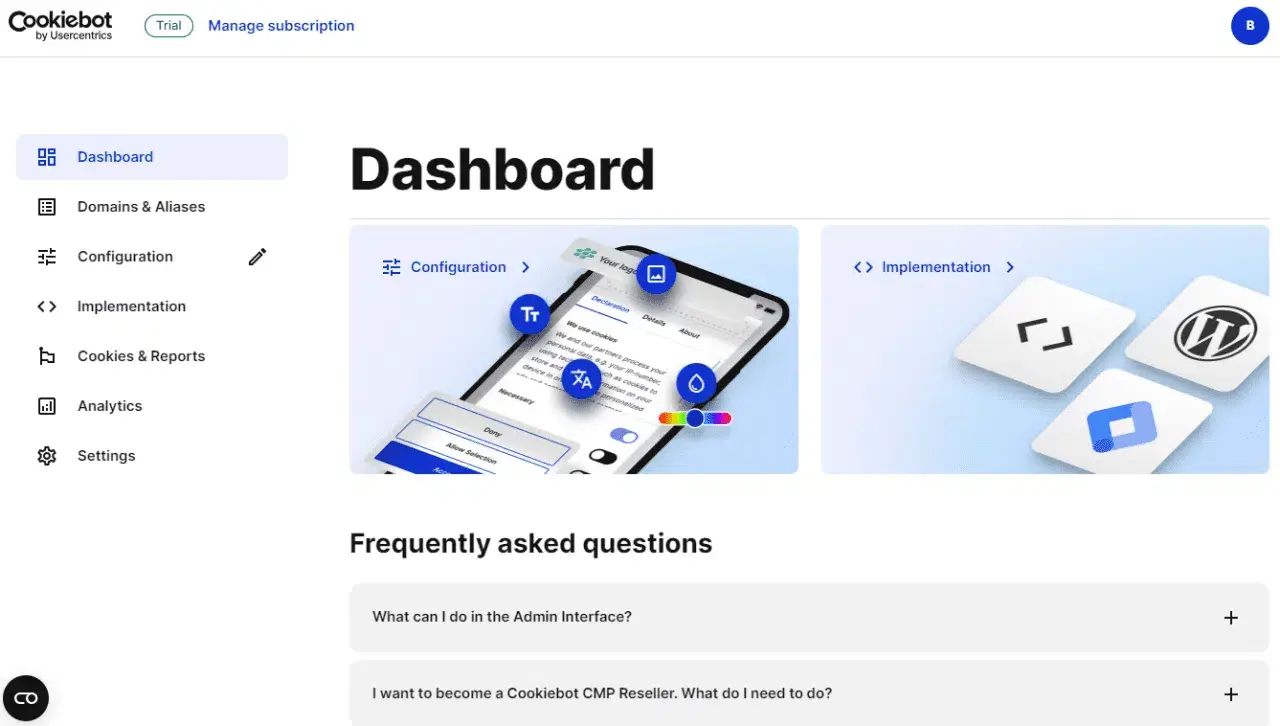
Section titled “Cookiebot admin interface overview”Cookiebot is managed entirely from its admin interface, where configuration, content, styling, and implementation are handled.
Dashboard
Section titled “Dashboard”The dashboard provides access to all main configuration areas and quick links to implementation guides.
Domains & Aliases
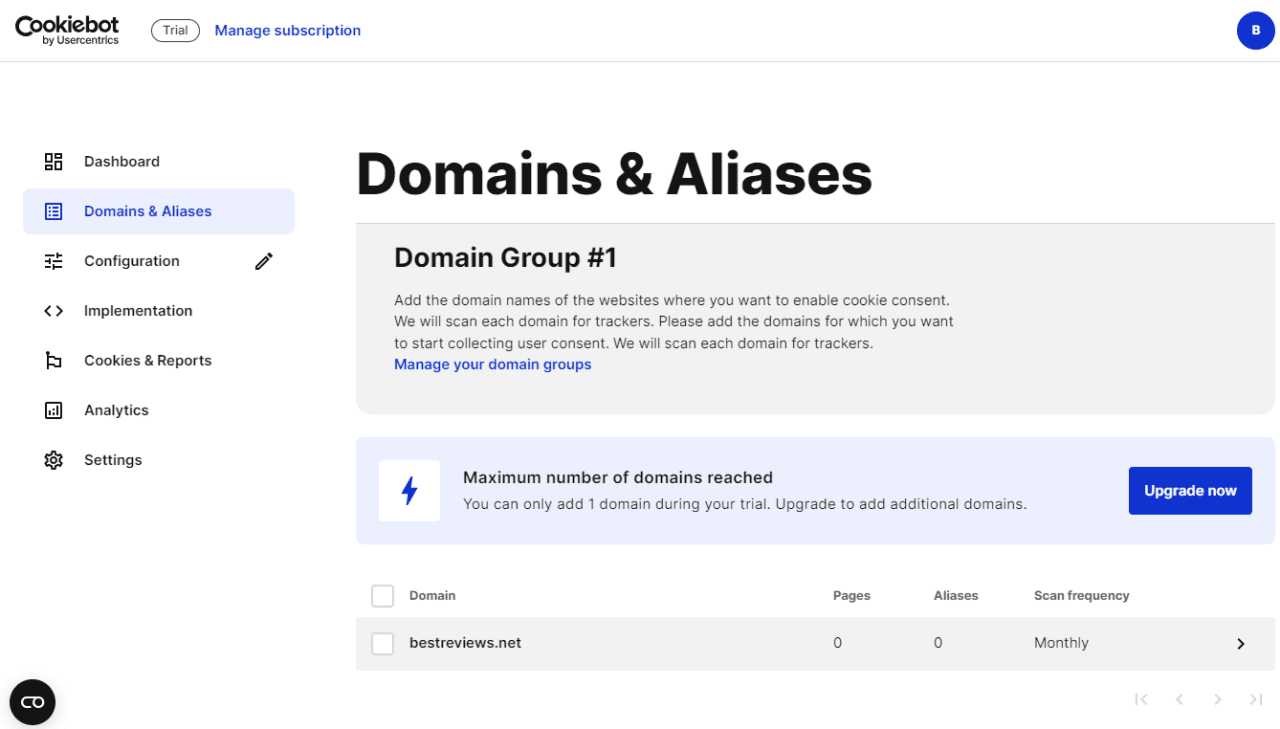
Section titled “Domains & Aliases”Each project domain must be added to Cookiebot. Stage and production should always be treated as separate domains.
Content Configuration
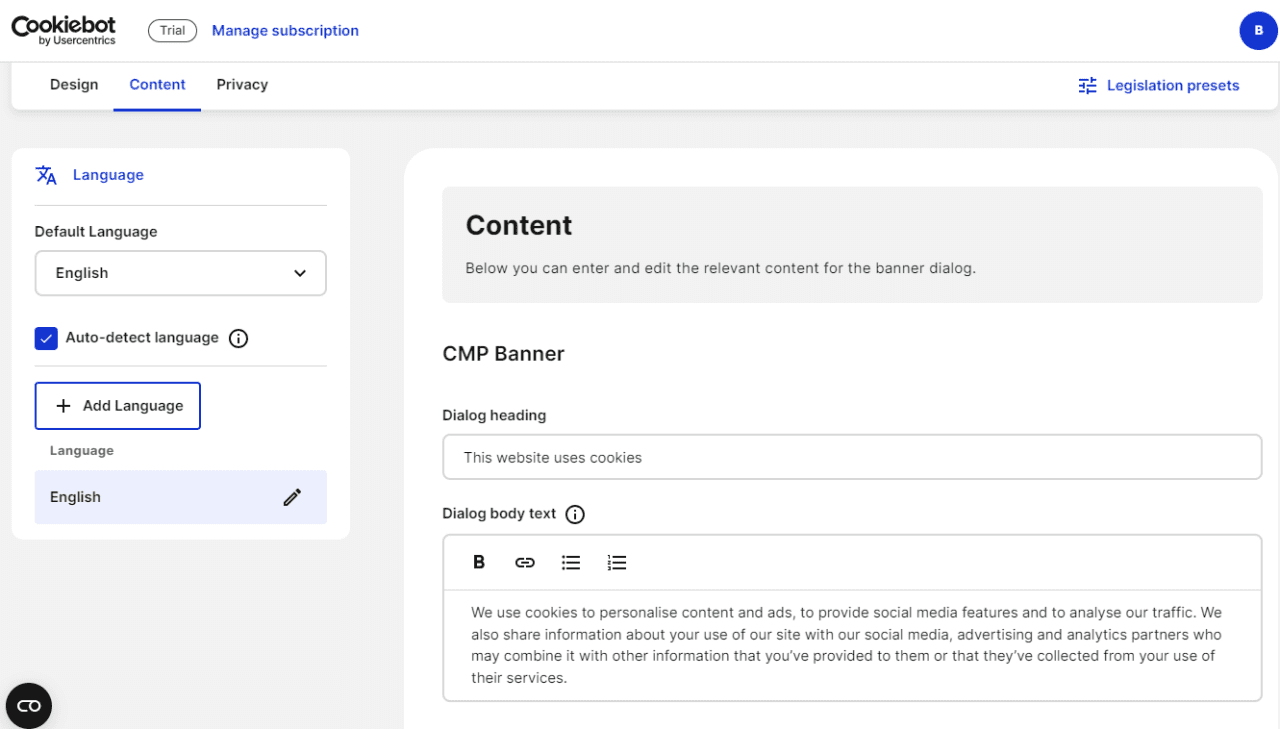
Section titled “Content Configuration”Banner content, language, and categories are managed under Configuration → Content:
- Configure cookie categories:
- necessary
- functional
- analytics
- marketing
- Update dialog heading and body text
- Add Privacy Policy links
- Enable auto-detected languages or add them manually
Style the Cookiebot banner
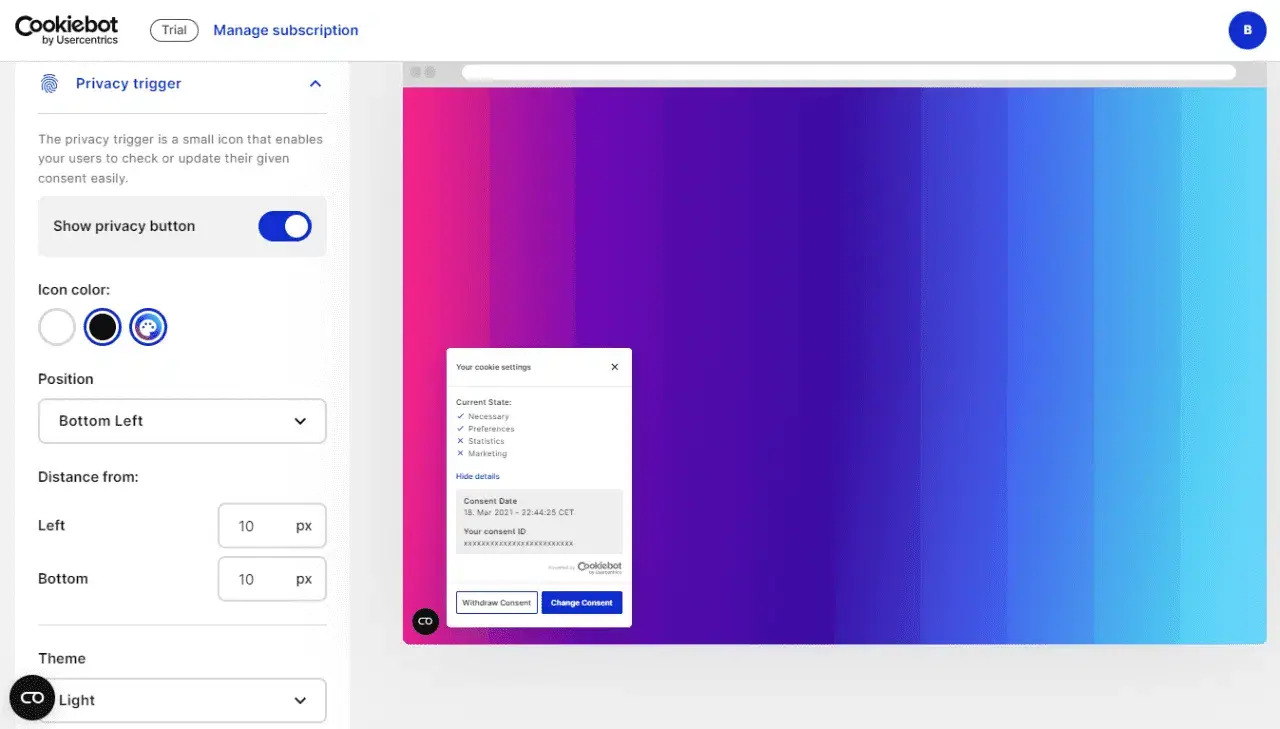
Section titled “Style the Cookiebot banner”Banner styles are configured directly in the Cookiebot admin panel (not in code).
You can control:
- banner layout and position
- colors and theme
- button styles
- privacy trigger button (icon, position, spacing)
Implementations
Section titled “Implementations”Cookiebot must always be implemented via Google Tag Manager (GTM).
From Implementation → CMP Banner, Cookiebot provides installation guides and domain group IDs.
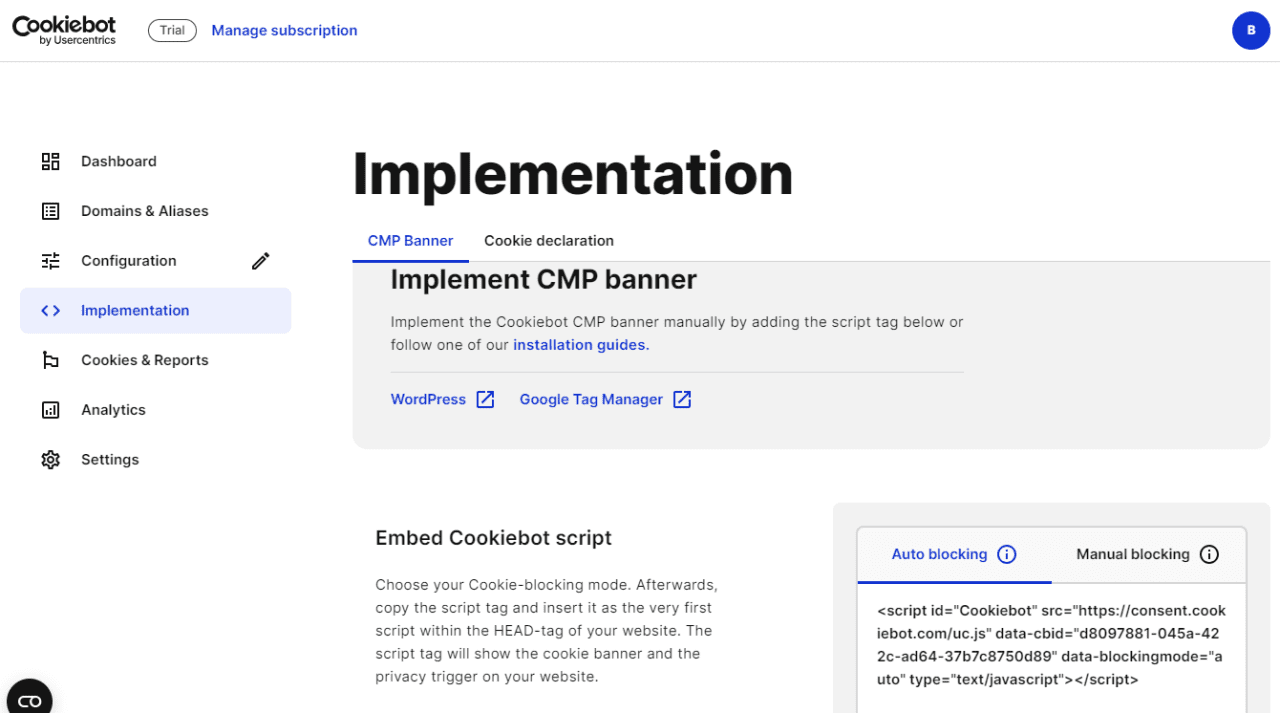
Implementation rules:
- Never hardcode the Cookiebot script directly in the project
- Use GTM triggers and consent states
- Ensure all third-party scripts respect consent categories
Best practices
Section titled “Best practices”- Always implement Cookiebot via Google Tag Manager
- Never hardcode cookie or consent scripts
- Style and configure banners from the Cookiebot admin panel
- Keep consent logic centralized and auditable
- Use Cookiebot’s built-in language and layout settings
- Treat stage and production as separate domains
Knowledge Check
Test your understanding of this section
Loading questions...